
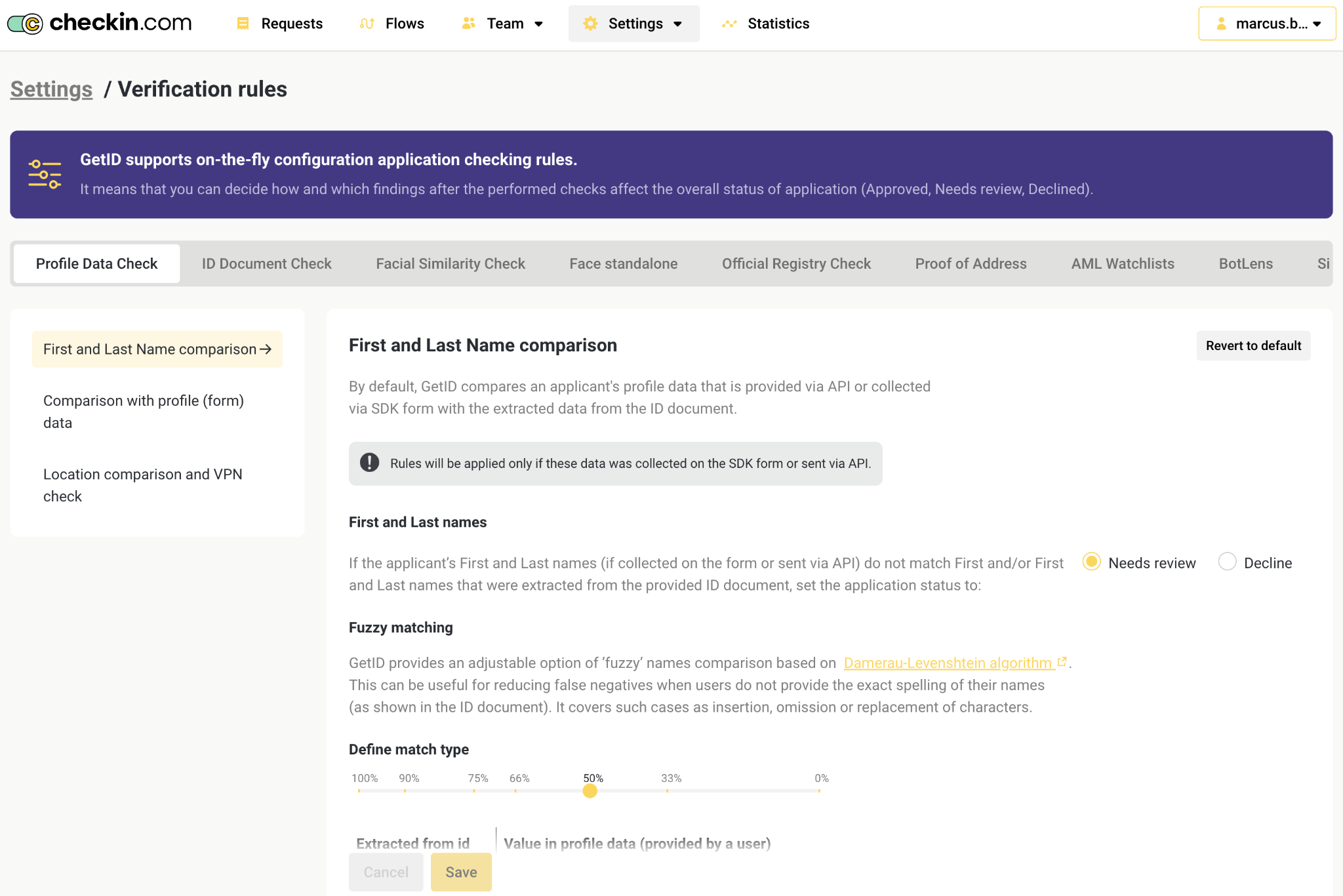
Settings → Verification rules, Profile Data Check tab
Areas
| Area | What you control |
|---|---|
| Profile Data Check | Name comparison with the document, including fuzzy matching with an adjustable match level, comparison by word for multi-part names, and nickname matching (for example Bob for Robert). Swapped first and last names. Other profile fields compared with the document. Country and city of residence compared with the IP location. Detection of VPN, proxy, Tor browser and relay usage. |
| ID Document Check | Document photo quality, original document presence, document quality, fraud assessment and consistency of extracted data. Fraud assessment includes template, fonts, security features, digital tampering, AI-generated images, file and device metadata, video stream manipulation, document country compared with IP, and limits for duplicate personal and document numbers across applications. |
| Facial Similarity Check | Selfie findings (not a real selfie, mismatch with liveness, missing photos, multiple faces). Deepfakes, set separately for high and moderate risk. Face recognition: number of similar applications, minimum age, allowed age difference and age confidence. |
| Face standalone | Applications with a biometric check only: no document found with a matching face |
| Proof of Address | Full name, address and postcode mismatches, missing postcode, document type, and maximum document age in months |
| AML Watchlists | PEP, special interest person, sanction, adverse media and other records, each set separately |
| BotLens | Signs of automated sessions: flow sequencing, behaviour patterns and device analysis |
| Bank Statement | Full name and account number mismatches, missing bank name, document type, and maximum statement age in months |
| Document Analysis | Accepted document types, validity period per document type, required fields, and matching rules: document type, date of issue, first name, last name, date of birth, account number and other fields |
status.
See Statuses and concerns.